Dedicated physical Mac mini

Your Mac in the cloud
Your own physical machine

Connect to a remote Mac desktop from your local computer to run Xcode, automated builds, and long-running experiments. Each instance is a dedicated physical Mac mini with host resources reserved for you—not shared with other renters and not a virtual machine.

Rent by the day, week, month, or quarter; current availability is confirmed in real time by the portal.

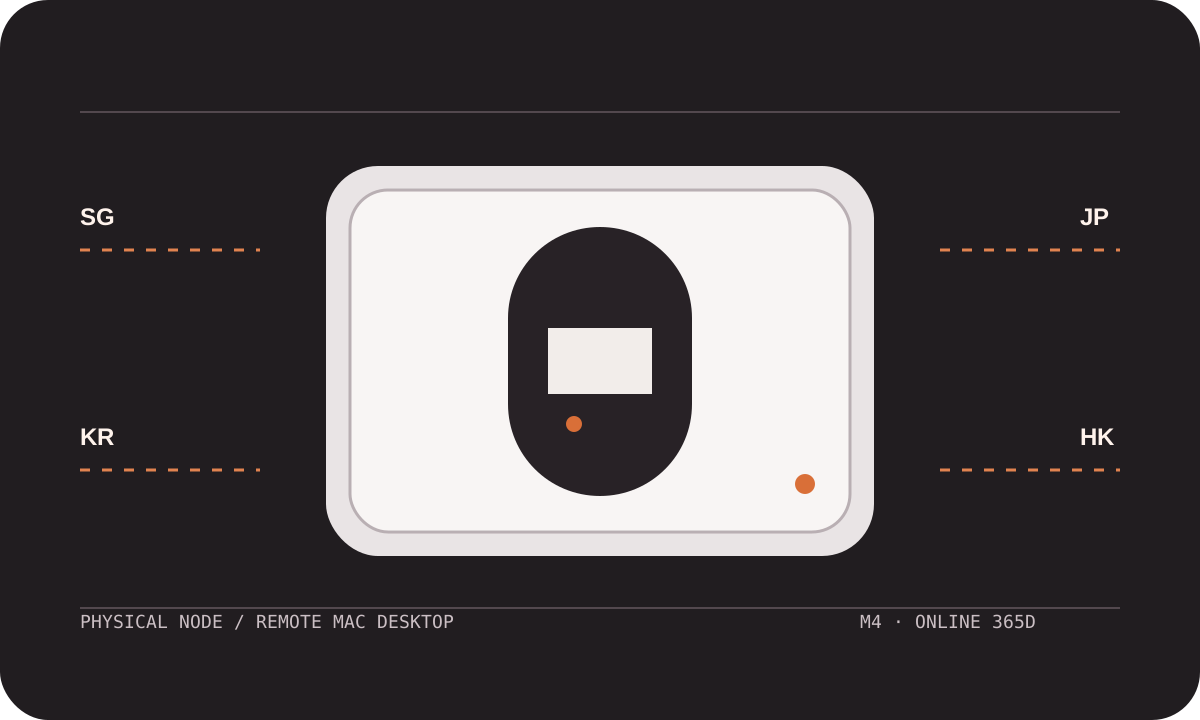
Mac mini hardware routing diagram connected to nodes in Singapore, Tokyo, Seoul, and Hong Kong
GPUMINI / PHYSICAL NODE Online
Mac mini M4

M4 · 24GB · 512GB SSD

Connection path LOCAL → JP / TOKYO Session status CONNECTED · 38ms
Singapore · SG Seoul · KR Hong Kong · HK

Built for development, automation, and remote access workflows

Xcode Fastlane GitHub Actions Jenkins SSH Screen Sharing SFTP
A node for every workload

Your environment, your workflow

Your toolchain, dependency cache, project files, and working state stay together on the same physical Mac mini. Choose the right configuration and run interactive development, unattended builds, and long-running experiments in a stable environment.

Development workstation

iOS and macOS development

Use a remote Mac desktop to restore your IDE, simulators, terminal, and project directories. Open a graphical session when you need to inspect the UI, or use SSH for quick repository and script work.

  • Interactive workXcode, simulators, debugger
  • Environment retainedCache, derived data, project paths
  • Best fitCore or Plus
xcodebuildRUNNING
SchemeRelease
DestinationmacOS
Automation node

CI/CD builds

Connect your existing Runner and reuse repository access, Xcode versions, and Fastlane workflows. Builds run directly on a dedicated physical node, making it easier to track caches, signing steps, and failure logs.

  • Connection methodsSelf-hosted Runner, SSH
  • Build stagesCheck, archive, upload
  • Best fitPlus for recurring jobs
checkout00:08 min
archive06:42 min
uploadQUEUED
Long-running workloads

AI and local model experiments

Run experiments that require Apple Silicon, unified memory, or the Metal backend. Keep downloads, preprocessing, inference, and result handling on the remote machine to reduce long periods of local computer usage.

  • Compute backendApple Silicon, Metal
  • Work styleCLI, long sessions
  • Best fitChoose Plus for memory
modelLOCAL.GGUF
backendMETAL
session12H 18M
Two available configurations

Choose the hardware, then choose the term

Both plans provide a dedicated physical Mac in the cloud and are available by the day, week, month, or quarter. All four nodes offer both configurations; current availability is confirmed in real time by the portal.

Light builds

GPUMini M4 Core

For short-term development, single-project builds, remote troubleshooting, and occasional workloads.

M4 16GB 256GB SSD
Daily$19.2
Weekly$51.9
Monthly$96.2
Quarterly$261.7
Rent GPUMini M4 Core

Payment is limited to USDT-TRC20 and Visa / Mastercard / Amex (via Stripe). All charges are settled in US dollars (USD); available gateways are confirmed by the backend.

Four node locations

Start with the node closest to your users

GPUMini currently offers 4 nodes in Singapore, Tokyo, Seoul, and Hong Kong. Run multiple latency tests from your local network, then consider team distribution, source-code location, and automation schedules when choosing a region.

4available nodes

Typical latency is for initial screening only and does not represent a fixed result for any particular network. Routes, carriers, access methods, and test times all affect real-world performance.

99.9% target service availability
Operational record

Runs year-round, with no scheduled downtime

Node services run throughout the year. Status records are aggregated over consecutive time windows to identify connection events and service impact; a user's network, credential actions, project configuration, and force majeure are excluded from platform availability.

Normal service window Status review window

The last 90 days are shown as 30 three-day windows. Scope, exclusions, and compensation follow the monthly service credit rules in the service terms.

View service terms and availability rules
Familiar tools

Use the right path for connections, builds, and files

Get the node address and credentials from the portal, then use a remote Mac desktop for graphical development, SSH for automation and diagnostics, and file-transfer tools for large files and build artifacts.

SSH Screen Sharing Xcode xcodebuild Fastlane CI Runner SFTP Git TestFlight Simulator Metal Long-running jobs
BUILD RUN SHEETJP-04
Running
$ ssh gpumini@node-jp-04
connected from trusted-device

$ xcodebuild -scheme App archive
▸ Resolving package graph
▸ Compiling sources
▸ Signing App.app
** ARCHIVE SUCCEEDED **

$ fastlane beta
upload queued

Current session

The run view keeps connection details, task stages, and remaining resources together so you can locate failures by stage.

Physical node
JP / TOKYO
Runtime
08:42:17
Disk available
318.6 GB
Build stage
ARCHIVING
Remote session
CONNECTED
Remote Mac desktop

Disconnect your local screen; the cloud keeps working

Save connection details on your local computer, verify the node host, and open the macOS graphical interface. Temporarily disconnecting the desktop session does not automatically stop builds, downloads, or experiments running on the cloud Mac.

  • Return to the workspaceRestore Xcode, the terminal, project directories, and build logs.
  • Split the workloadUse the desktop session for graphical tasks and SSH for commands and diagnostics.
  • Exit securelyLock the session, remove temporary files, and confirm that the remote connection is closed.
GPUMINI / NODE-SG-12 ACTIVE · 38ms
AppDelegate.swiftmodified
Xcode Archive67% · 06:42
CI RunnerCONNECTED
RepositoryMAIN · CLEAN
File Transfer1.8 GB SYNCED
From order to first connection

A verifiable delivery flow in about 4 minutes

Confirm the configuration and node, place your order, wait for initialization, and verify the connection. Actual timing depends on the portal status, with a checkable result at every step.

  1. About 30 sec

    Choose a configuration

    Choose one of GPUMini M4 Core and GPUMini M4 Plus, then confirm memory, storage, rental term, and node.

  2. About 1 min

    Place your order

    Review the plan, term, and amount, select an available payment gateway, and submit your order.

  3. About 2 min

    Initialize the node

    The portal prepares the physical Mac mini, host details, and credentials needed for the first connection.

  4. About 30 sec

    Verify the connection

    Check the system time and disk space, verify SSH or the remote desktop, and run a test command.

Engineering insights

Clear guidance on selection, connections, and operating boundaries

Our content library covers remote Mac workflows, physical node architecture, rental costs, data protection, network optimization, and build strategies. Recent updates will appear here automatically once articles are published.

Before you order

Physical nodes, connections, and billing

Confirm resource allocation, node selection, and payment scope first. You can search the help center for connection, build, network, and billing questions.

Is every instance a dedicated physical Mac?

Yes. Every instance corresponds to a dedicated physical Mac mini. Its host computing resources are not shared with other renters, and the service is not delivered as a virtual machine. Project directories, dependency caches, and running workloads remain in that node environment.

How do remote Mac desktops, SSH, and file transfer work together?

Use the remote Mac desktop for Xcode, simulators, and graphical interfaces; use SSH for scripts, logs, and long-running jobs; and use compatible file-transfer tools for syncing assets, build artifacts, and larger files.

How should I choose between Singapore, Tokyo, Seoul, and Hong Kong?

Run multiple latency and stability tests to all four nodes from the network you use every day. Then consider team locations, source-code location, and automation schedules. The reference ranges are for initial screening only, and actual results vary by route.

Which payment methods and settlement currency are supported?

We support only USDT-TRC20 and Visa / Mastercard / Amex (via Stripe). All charges are settled in US dollars (USD). Available gateways are confirmed by the backend.

How can I confirm that a configuration and node are available to order?

Both plans are available across Singapore, Tokyo, Seoul, and Hong Kong. Select a configuration and node in the portal to see current availability in real time.

Configure your cloud Mac

Choose the hardware, term, and node

Start with GPUMini M4 Core at $19.2/day. Before submitting your order, review the configuration, node, rental term, and amount settled in US dollars.